Earok has a great Getting Started guide on the Official Scorpion Wiki that has some app suggestions, I’ll be listing Applications that I personally use, why, and how they fit into my workflow. A lot of these are a matter of preference.
Essentials
These Applications are 100% prerequisite for using Scorpion Engine.

Scorpion Editor. (Free / Windows) No shit, Sherlock. 😅 This is where you’ll be doing most of your work on Scorpion Engine games. Download here. (Latest experimental – YMMV!)

Tiled. (Free / Windows, Mac, Linux) Wonderful, extremely powerful map editor. Required for creating levels. Download here.
Graphic Tools
These are my choices for easy asset/png creation.

Aseprite. (Paid / Windows, Mac, Linux) Intuitive, powerful, expandable. Absolutely worth the price. ($19.99 at time of writing) Download

Resprite. (Paid / Windows, Mac, Linux, iOS, iPadOS,) Relatively new but supports a lot more platforms, and has very rapid development. I use Resprite particularly when working on my iPad for extra portability! Download

Libresprite. (Free/ Windows, Mac, Linux) Basically open source Aseprite, if you’re cheap. 😝 Supporting the developers of the original is worth it and you get extra features. Download
❓Graphics Alternatives:
- Pro Motion NG: (Free & Paid versions, Windows) By far the most feature complete pixel graphic app out there. Has a bit of a weird interface and steep learning curve though. Download
- Pyxel Edit: (Paid, Windows) Has very specific features that play nicely with how I draw tilesets. Although most of the apps mentioned here have dedicated Tileset editing features, this the only one I’ve been able to make work for me. Download
- GIMP, Photoshop, etc: Most art programs can be used for pixel art, though they often lack features that speed up or help you work efficiently. They can add extra hurdles too, so I do NOT recommend using a non-dedicated pixel art application. 😝
Audio Tools
Music and sound effects!

OpenMPT. (Free/ Windows) A tracker application for editing and composing Mod music files. Very powerful and easy to use. Unlike most trackers it has an undo buffer, so if you’re a noob (like I am) and make a ton of mistakes, you can revert them. 😂 Download

Audacity. (Free/ Windows, Mac, Linux) Audio editor for creating and editing sound effects. Scorpion supports most audio formats, but this lets you easily reduce their sample rate to save memory. Download
Code & Misc Tools
Stuff that will help manage and edit your project.

Microsoft VS Code. (Free/ Windows, Mac, Linux) Want to edit your code in a traditional (typed) way, rather than using Scorpion Editor’s drop down menus? This is what you need! In combination with Docster’s Scorpion VSCode extension, you can have syntax hightlighting, auto-completing code, etc! Download

GitHub Desktop. (Free/ Windows, Mac, Linux) I’m going to keep banging on about this. Please download this (or similar) and use Git to save yourself, and everyone in the community you ask for help – so much work. You really need to be able to roll back changes you make easily, and this makes updating Scorpion Engine a one click process. Download
Supplementary Tools
I have an Itch.io collection of smaller tools I use with Scorpion. Some of them are scripts for Aseprite, others small tools by the Scorpion Community. View the list here.
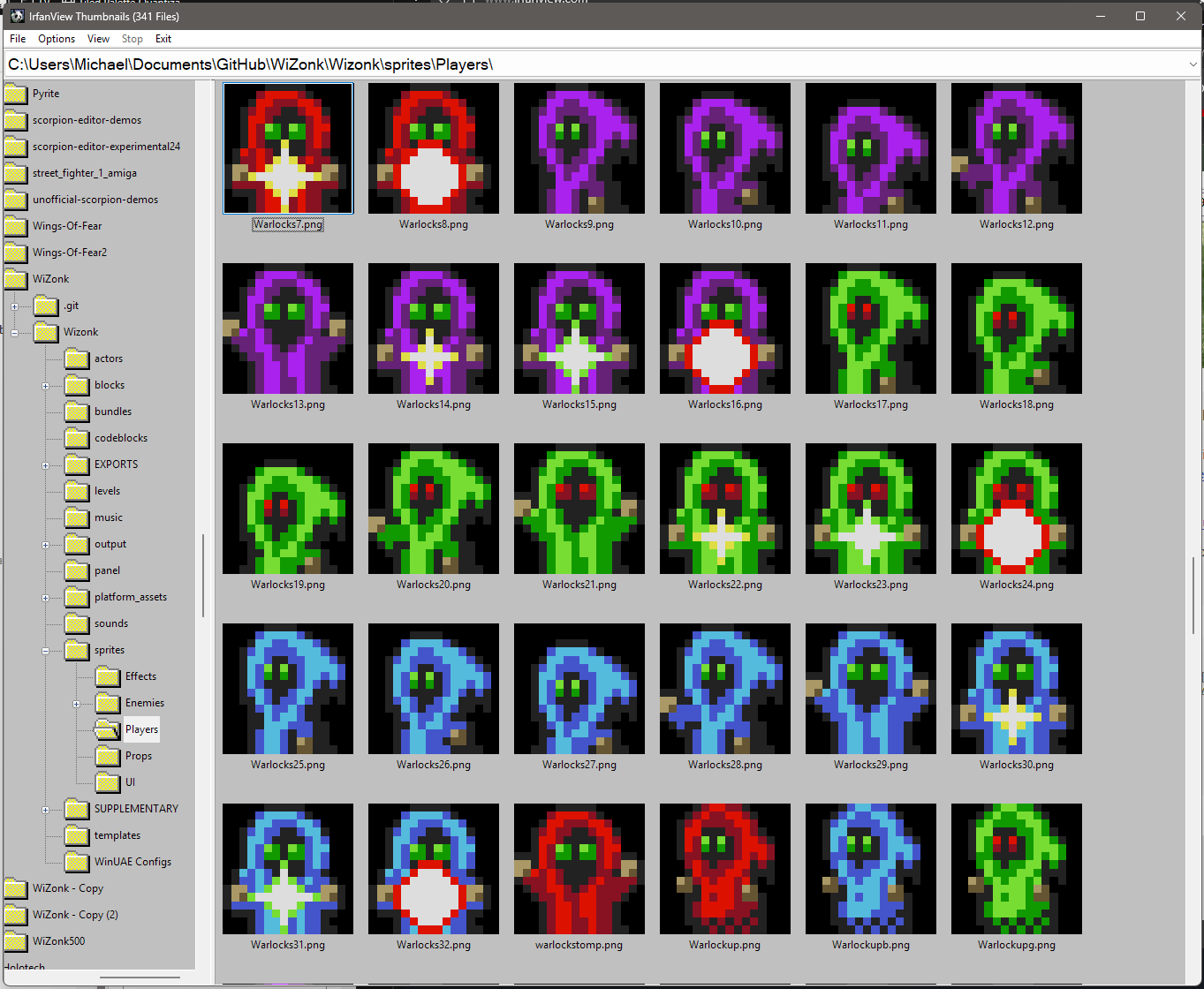
Irfanview. (Free, Windows) This solves a very particular behaviour in Windows. If your folder views look like the left picture (unreadable) when full of small images, and you want a quick way to view folders clearly. Download
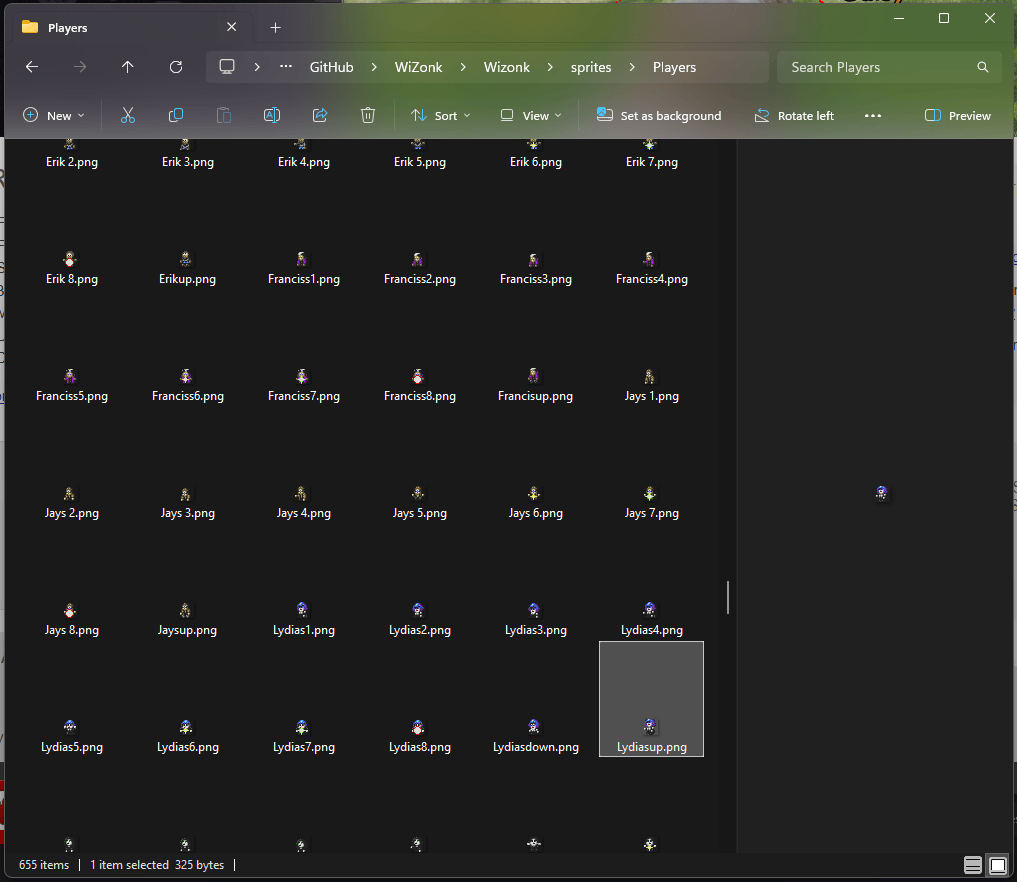
VS